Get a Custom CRM with AI to Generate Renders for Your Business
Manage clients, floor plans, and material boards in one central hub. Generate photorealistic 4K renders in 60 seconds whenever clients request variations — without external 3D queues.
Torres Residence · Penthouse
Client: Isabel & Marc Torres · Mallorca Project #2026-08
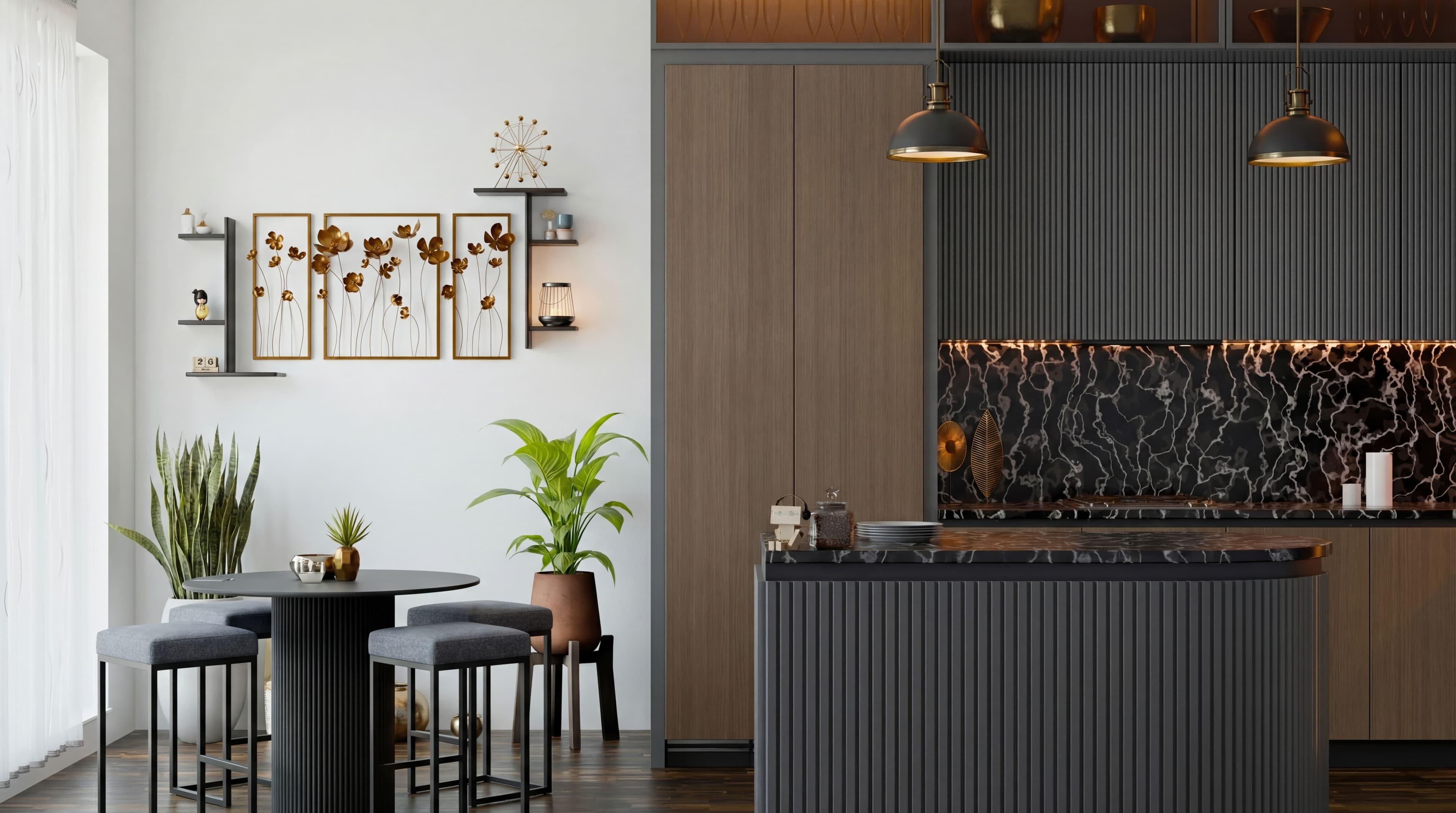
Generated Studio Render
Honed Marble & Chevron Oak Living Concept
Average render turnaround
Generate new perspectives and finish swaps during client meetings.
Clients, plans & assets unified
Blueprints, revisions, and supplier finishes organized in one workspace.
Waiting on revision queues
Eliminate external 3D artist backlogs and per-revision charges.
How It Works: Clean, Simple, Unified.
We replace scattered WhatsApp chats, slow 3D freelancers, and disconnected Dropbox folders with a single bespoke studio platform.
Client & Project CRM
Every client gets a dedicated dossier with their floor plans (PDF or CAD), room photos, project timeline, and approved finish schedule.
- Dedicated dossiers per client and property
- Direct PDF & CAD blueprint attachments
- Full revision timeline and approved finish logs
Built-In AI Render Studio
Need to test a walnut island instead of marble? Describe it in plain text or insert a reference photo. Render photorealistic 4K iterations in under a minute.
- 60-second photorealistic 4K generation
- Natural text instructions (e.g. swap stone, adjust lighting)
- Link real catalog furniture from your private asset library
Client Presentation & Sign-off
Share interactive before/after comparisons and live variations with clients on any device to secure approvals during the meeting.
- Live before/after comparison on tablets in client meetings
- Private branded client review links
- Fast client sign-offs without 2-week delays
For Who This Is a Great Fit
Designed specifically for businesses whose revenue depends on helping paying clients visualize and approve high-value spaces.
Interior Design Studios
You handle residential or commercial clients and lose weeks waiting on external 3D visualizers for simple color or furniture revisions.
Iterate live in client presentations and close design proposals 3x faster.
Architecture & Build Firms
Non-technical clients struggle to understand 2D technical drawings, causing delays in concept sign-offs.
Transform floor plans and CAD layouts into spatial 3D reality in seconds.
Real Estate & Off-Plan Sales
You market off-plan developments or unrenovated spaces where buyers need to see the completed potential before committing.
Virtually stage empty rooms and show personalized finish packages on demand.
Custom Furniture & Kitchens
Customers cannot picture how a bespoke kitchen, stone island, or sofa will look in their own room.
Insert your exact catalog pieces into customer room photos and sell during the first showroom consultation.
High-End Renovation Contractors
Homeowners second-guess proposals or request costly changes midway through construction.
Lock in visual sign-off before demolition begins, preventing disputes.
Is It a Fit for Your Team?
- You present visual concepts to paying clients.
- Client revision rounds slow down project invoicing.
- You want all blueprints, finishes, and renders in one CRM.
Why Generic Tools Fail Real Businesses
The difference between casual novelty AI and a studio-grade operating system.
| Generic Tools (Midjourney / Standard 3D) | Your Custom CRM + Render Engine |
|---|---|
| Random hallucinations, disregards spatial blueprint dimensions | Strict architectural blueprint, dimension & spatial adherence |
| No client management, files scattered across chat apps | Dedicated client profiles, project milestones & assets in one CRM |
| Cannot insert proprietary catalog furniture or stone textures | Custom asset bank with your real materials, finishes & products |
| 2–3 weeks wait time for freelance revision queues | Instant 60-second revisions directly inside the client dossier |
From Technical Reference to 4K Reality
Slide to compare the initial reference image with the final photorealistic render generated in seconds.
- Render generation
- < 60 sec
- Export resolution
- 4K Ultra-HD
- Client revision speed
- Instant
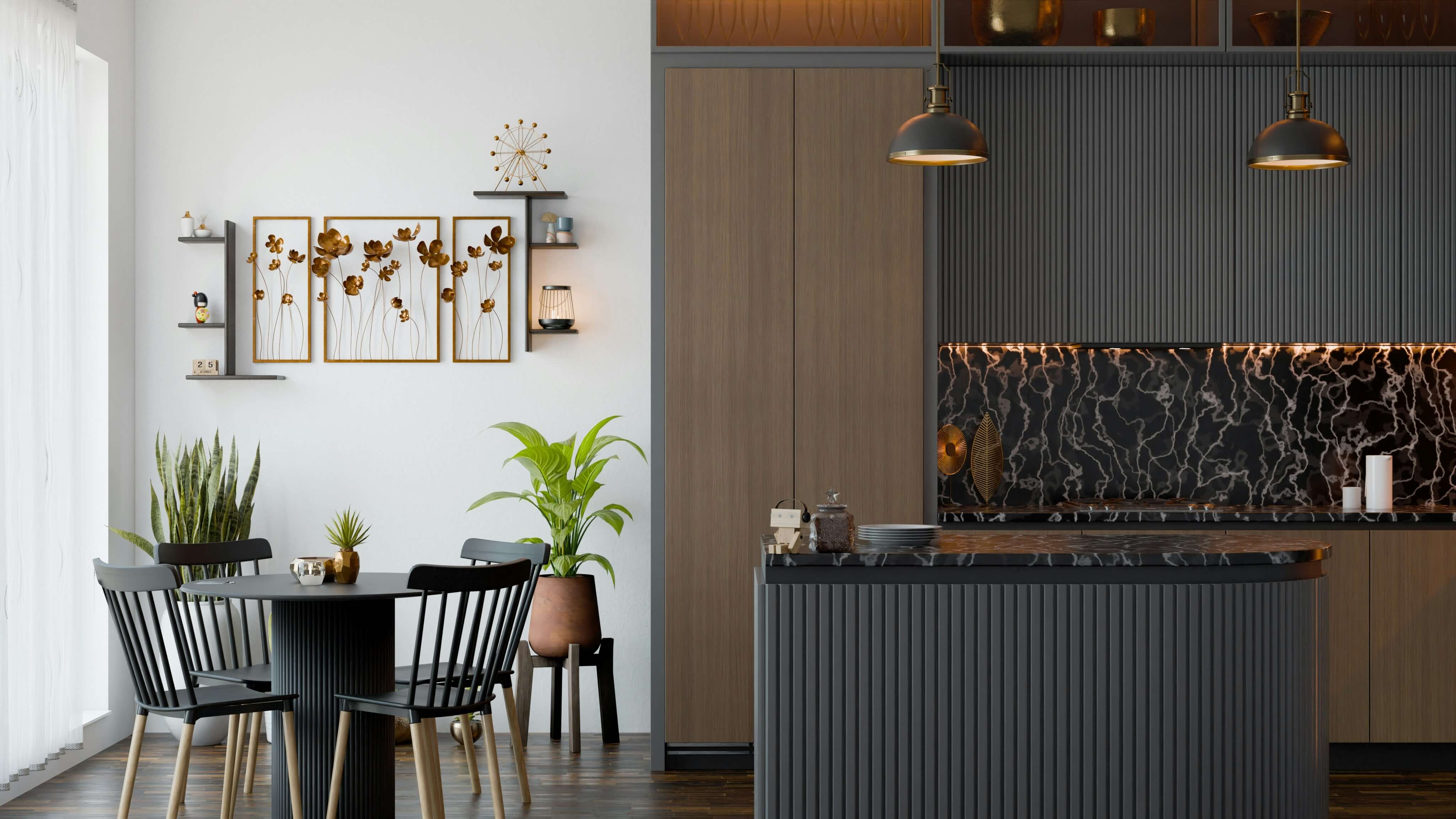
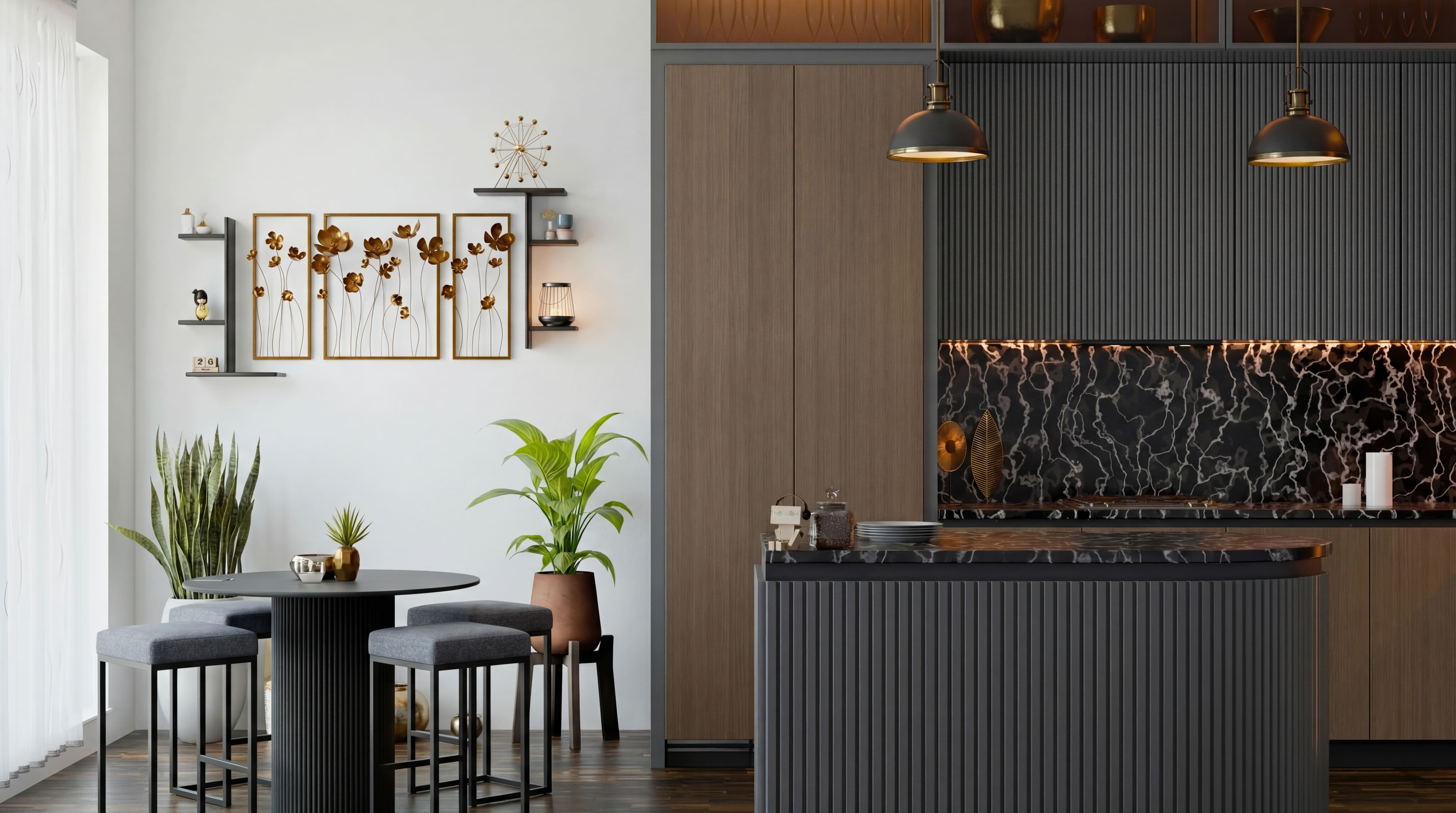
As Simple As It Is Powerful
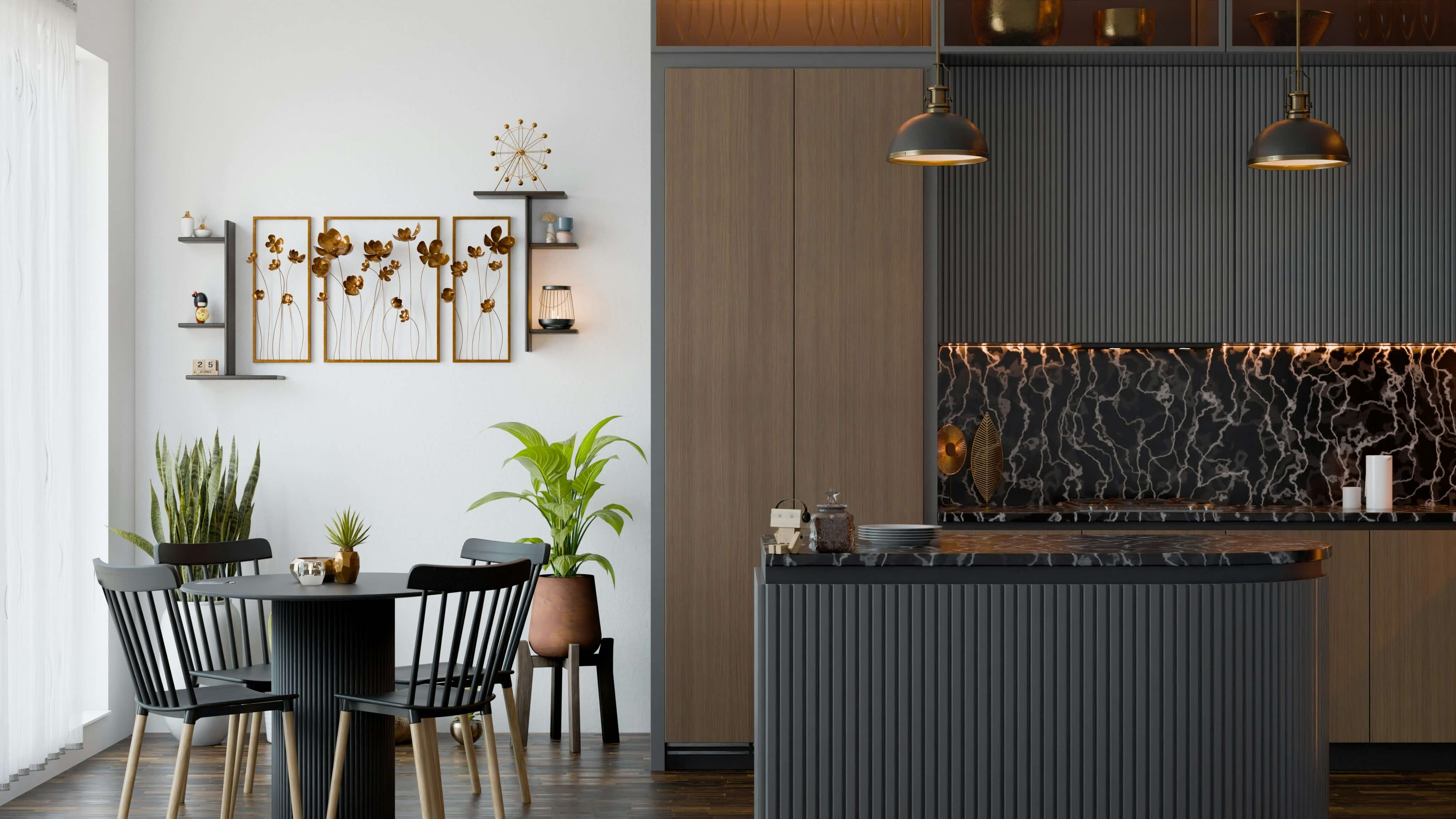
From raw client reference to final sign-off in minutes.
 01
01Upload Blueprint or Site Photo
Drag in your 2D plan, hand sketch, or existing space photo directly to the client's file.
“Light oak chevron floor, honed marble island, warm afternoon light.”
Specify Finishes & References
Select catalog furniture pieces from your library or type instructions in everyday language.
03Generate & Present in 4K
Review high-resolution photorealistic results instantly with your client for rapid sign-off.
Get Your Custom Studio CRM & Render Workspace
Tell us about your business below. We configure a dedicated workspace with your catalog, team seats, and client pipeline.